The WPFlys Blog
Plain-English guides on WordPress hosting, security, SEO and site care from our US-based team.
WordPress Backup Plugins vs Managed Host Backups: Which One Actually Saves Your Business?
How backup plugins work and where they fall short
What managed host backups include that a plugin usually does not
How to choose based on your risk tolerance and time
9 Warning Signs Your WordPress Site Is a Hacker Target
Signs to watch in your dashboard and search console
Signs hiding in your files, plugins, and user accounts
What to do first when you spot a red flag
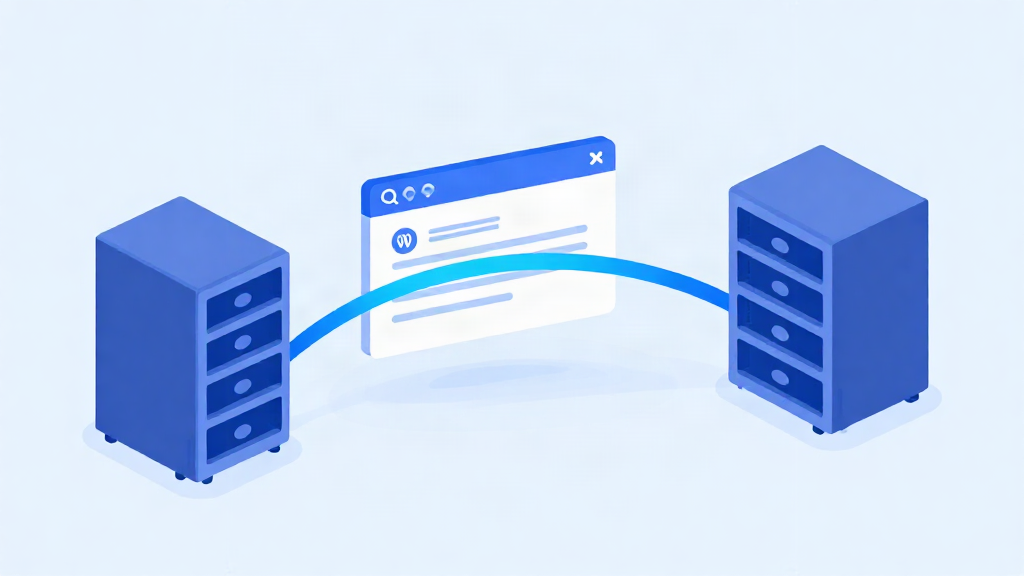
How to Migrate a WordPress Site With Zero Downtime
Why downtime happens during a host migration
Step-by-step: preparing your site and backing it up before the move
Testing the new host and going live with zero downtime
Best WordPress Hosting for Small Business: What to Look For
The criteria that actually matter: uptime, support responsiveness, backups, security
Red flags and upsells that sound good but do little for a small business site
Why a US-based, WordPress-only team fits owners who want to stop managing the server
WordPress Site Hacked? What to Do (48-Hour Recovery Story)
How the hack was spotted and what the first hours looked like for the business
The recovery steps: isolation, cleanup, malware removal and restoring clean backups
What changed afterward to keep the site protected and the owner worry-free
7 WordPress Mistakes That Slow Your Site Down
The common culprits: heavy themes, plugin pileups, oversized images, no caching
How each mistake shows up as slow pages, higher bounce rates and lost rankings
The quick wins versus the ones a managed host should handle for you
WordPress Security FAQ: Straight Answers for Site Owners
Can a small business site really get hacked, and how do attacks usually start
How to tell if your site has been compromised before customers notice
What a security-first host does for you, and what recovery support looks like
WordPress Maintenance for Beginners: Your Monthly Checklist
The core tasks: core and plugin updates, backups, security checks, broken link scans
A simple monthly rhythm you can follow in under an hour
Where DIY maintenance gets risky, and the signs it is time to outsource

Managed WordPress Hosting vs Shared Hosting: What Matters
What shared hosting really means, and where it starts to strain a business site
What managed WordPress hosting adds: updates, security, backups, monitoring, human support
How to choose based on your site count, traffic and how much time you have
Get a free WordPress health check
Send us your site. We will check its speed, security and update status, then tell you exactly what we would fix. No obligation.